cat pictures site in rust
building a website in rust that shows a cat picture and inspirational or funny quote daily
the stack
rust binary with axum (web server), sqlx + sqlite (storage), and reqwest(outbound http calls). all on the tokio async runtime, then hosted on railway.
then for the cat pics used cataas, a rest api for cat pics
setting up the site
install rust with this command here and then create a new folder
curl --proto '=https' --tlsv1.2 -sSf https://sh.rustup.rs | shrun this command in your terminal
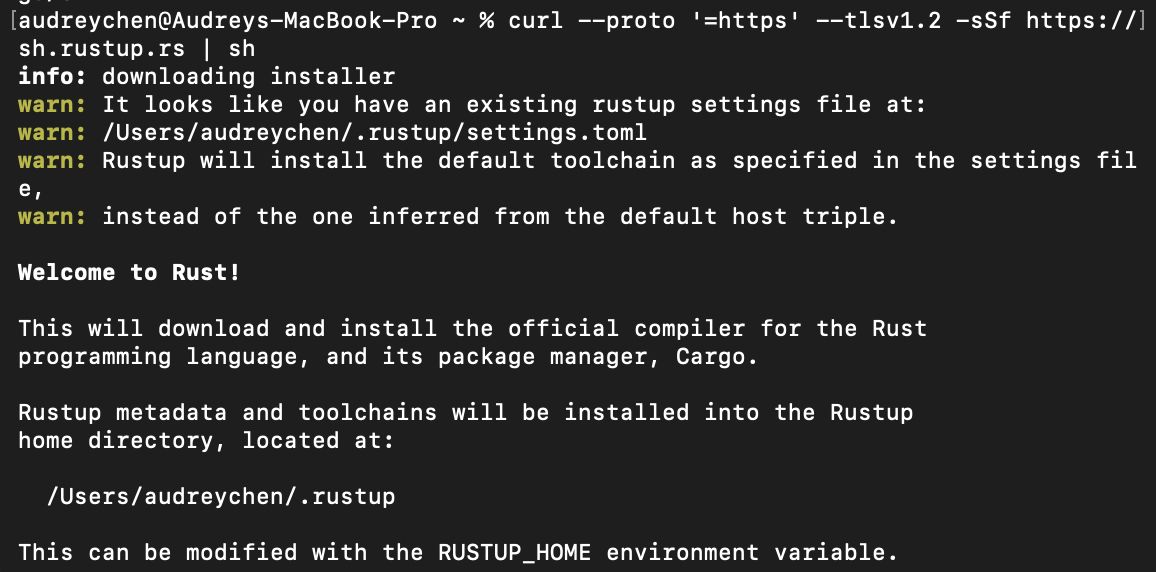
install worked but unfortch that current shell didn't know about cargo yet. so to load it into that terminal session run this:
. "$HOME/.cargo/env"now it should have loaded in

now you can make the site with cargo new catsite

now change directory (cd) to the catsite
cd catsitereference to a good article i looked thru for this btw
reference to a https://github.com/tokio-rs/axum/blob/main/examples/hello-world/src/main.rs tokio example on github
add tokio and axum as dependencies to ur cargo.toml
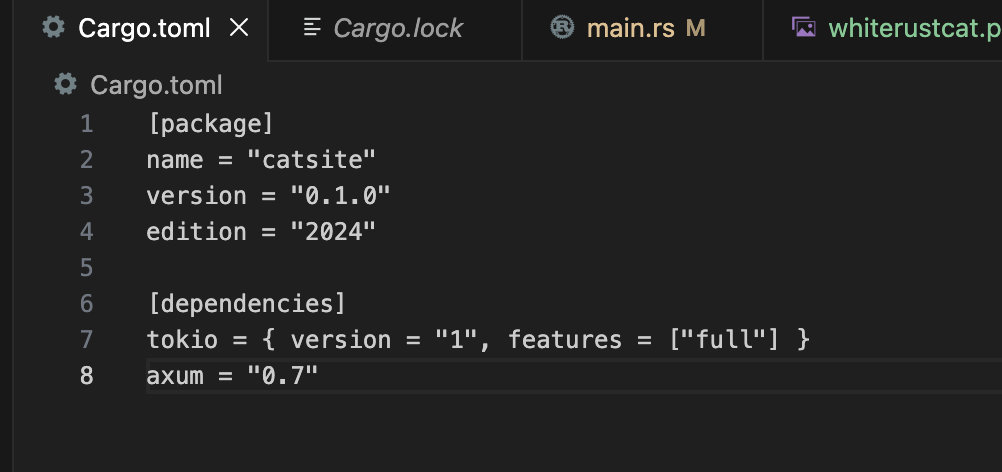
[dependencies]
tokio = { version = "1", features = ["full"] }
axum = "0.7"
then this is the main file general setup where all it shows is the text
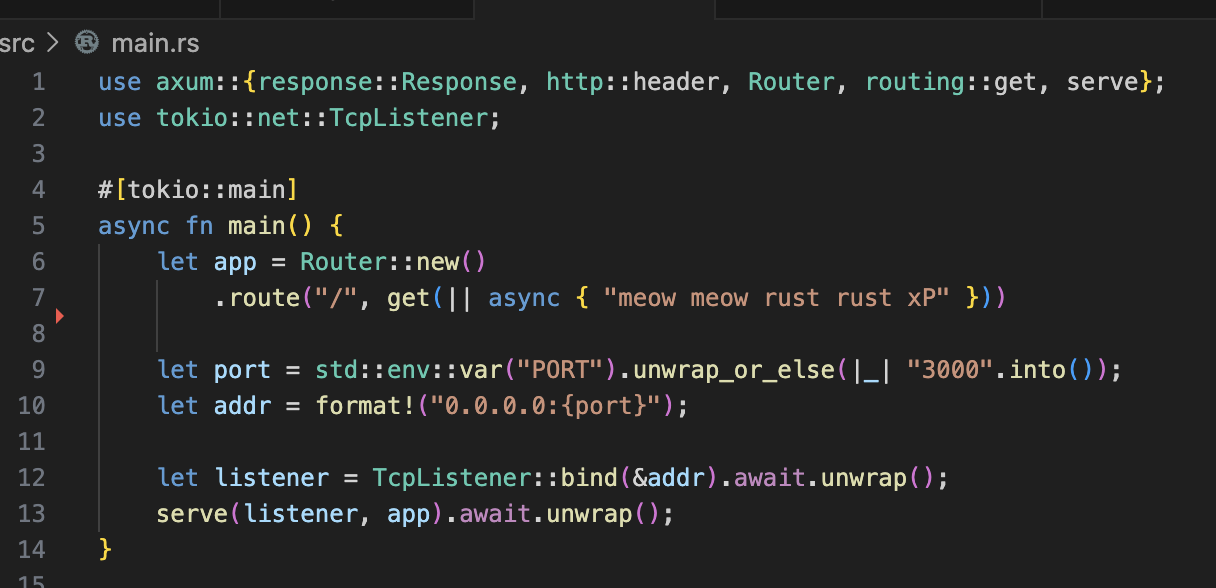
use axum::{response::Response, http::header, Router, routing::get, serve};
use tokio::net::TcpListener;

#[tokio::main]
async fn main() {
    let app = Router::new()
        .route("/", get(|| async { "meow meow rust rust xP" }))

    let port = std::env::var("PORT").unwrap_or_else(|_| "3000".into());
    let addr = format!("0.0.0.0:{port}");

    let listener = TcpListener::bind(&addr).await.unwrap();
    serve(listener, app).await.unwrap();
}
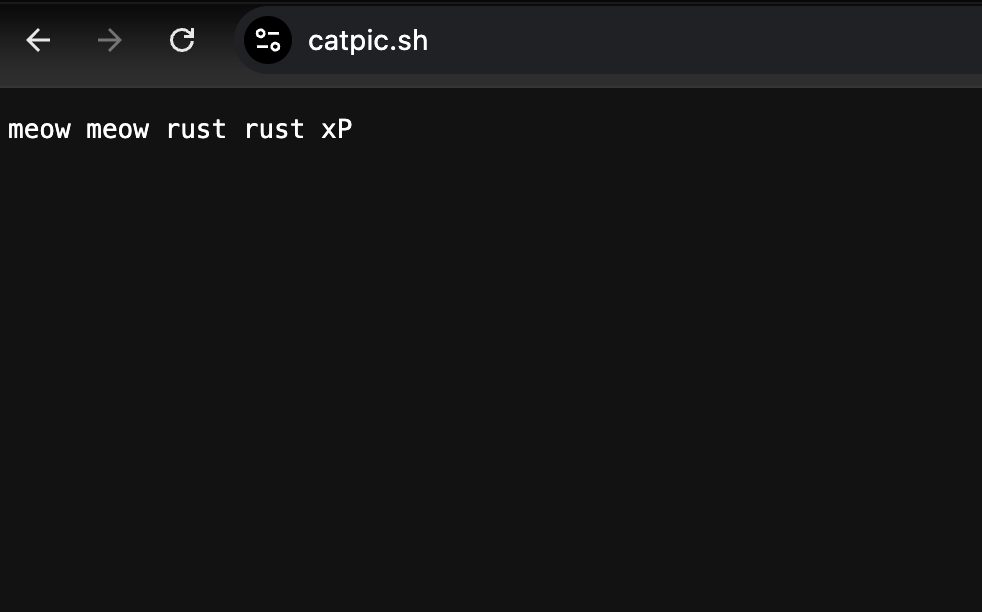
the text on site
3. deploying on railway and getting a custom domain
i like to just get out of localhost asap, which is why this is step three. i used porkbun for the custom domain. delete the alias and cname values that are already in porkbun for your domain in that domain's settings
go to the settings in railway and click +custom domain. railway usually detects the port, and in my case it detected 3000, but i knew it was listening from 8080, so i put 8080. then you can add the domain and then it will show the dns records. put them into porkbun as it asks (however, for me there was an error on porkbun saying couldn't have a cname on root domain, so it recommended alias and all i did was just keep the same info but switch it to alias) then u are good to go.
4. favicon, axum version
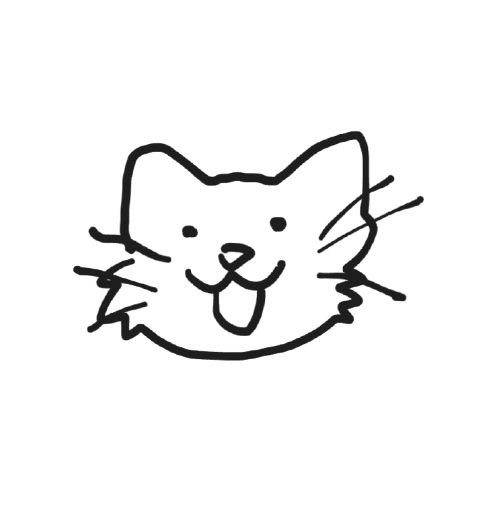
i drew this cute cat in https://excalidraw.com/, removed the background in https://www.remove.bg/, then used this image inverter for the cat to be white outlined instead of black.
create assets folder in root. browsers expect favicons at standard sizes (16x16, 32x32, 48x48, 64x64, etc) so if it isn't then go to https://favicon.io/favicon-converter add your favicon.io from the zip and put it into the assets folder. then update the code to add async function for the favicon and add a route up back at the main function to the favicon
use axum::{response::Response, http::header, Router, routing::get, serve};
use tokio::net::TcpListener;

#[tokio::main]
async fn main() {
    let app = Router::new()
        .route("/", get(|| async { "meow meow rust rust xP" }))
        .route("/favicon.ico", get(favicon));

    let port = std::env::var("PORT").unwrap_or_else(|_| "3000".into());
    let addr = format!("0.0.0.0:{port}");

    let listener = TcpListener::bind(&addr).await.unwrap();
    serve(listener, app).await.unwrap();
}

async fn favicon() -> Response {
    let bytes = include_bytes!("../assets/favicon.ico");
    Response::builder()
        .header(header::CONTENT_TYPE, "image/x-icon")
        .body(bytes.as_ref().into())
        .unwrap()
}
and there u go!