this page is for practical things
the exact step by step to building projects directly
- - html cheatsheet resource 1
- - html cheatsheet resource 2
- - next.js docs
- - multi-cursor editing in vscode
using vscode
- 1. should probably turn on auto-save (diff people prefer different things) but it's cmd+shift+p, type "auto save" and select "toggle auto save" so vscode automatically saves after a short delay when you stop typing. otherwise you just have to go cmd+s each time you finish editing a file. some people don't like this though, because it can mask syntax errors temporarily if ur dev server crashes every keystroke.
- 2. sometimes the code is correct but there are squiggles. just cmd+shift+p and type in typescript: restart ts server. or idk i just quit vscode and open it again and then it's fine. this happens because of a stale ttsserver cache where it's in a confused state after u edit many files.
- 3. multicursor editing for when you're making n identical edits in n places simultaneously: good shortcuts are (cmd+shift+l, to highlight the n appearance of the thing) and (holding option and clicking every place you want to start adding something, then doing cmd+right arrow and typing what you want at the end. for example, putting several phrases into a list).
- 4. other multicursor trick. select the n thing you want to edit, press cmd+d the number of times it appears next / number of times you want that n thing to change type your change, and for example if you're closing it (same list items example) you can go to the closing item you want to replace, click cmd+D the n amount of times you want to replace the n thing, and type the replacement edit.
multi-cursor editing
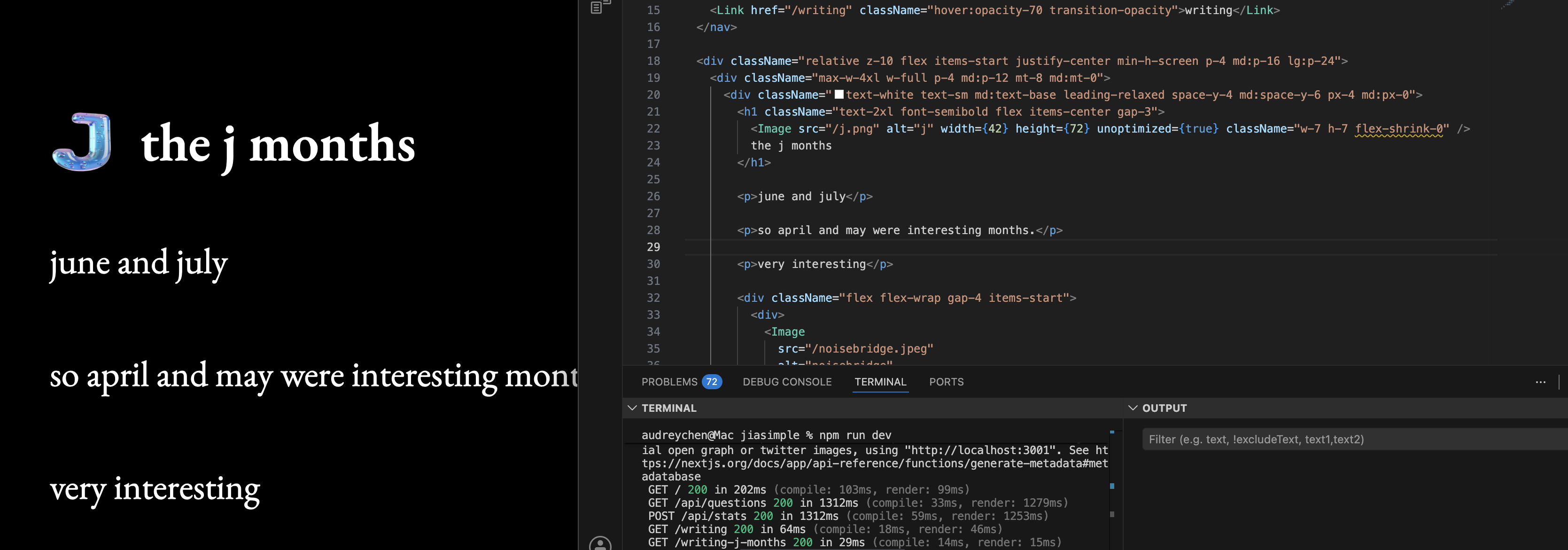
if you have a image with the background removed that u downloaded, but it shows up on your next.js site with a white background add
unoptimized={true}